Hi everyone,
This is my first time posting here. I’ve been getting more interested in Markdown, especially now that so many AI tools use it as their default output format. I tried several Markdown apps, but none quite fit the way I work. Some felt too complicated when I only wanted to open and read a file, while others were too basic, were no longer actively maintained, lacked Quick Look support on Mac, or did not render certain Markdown elements well.
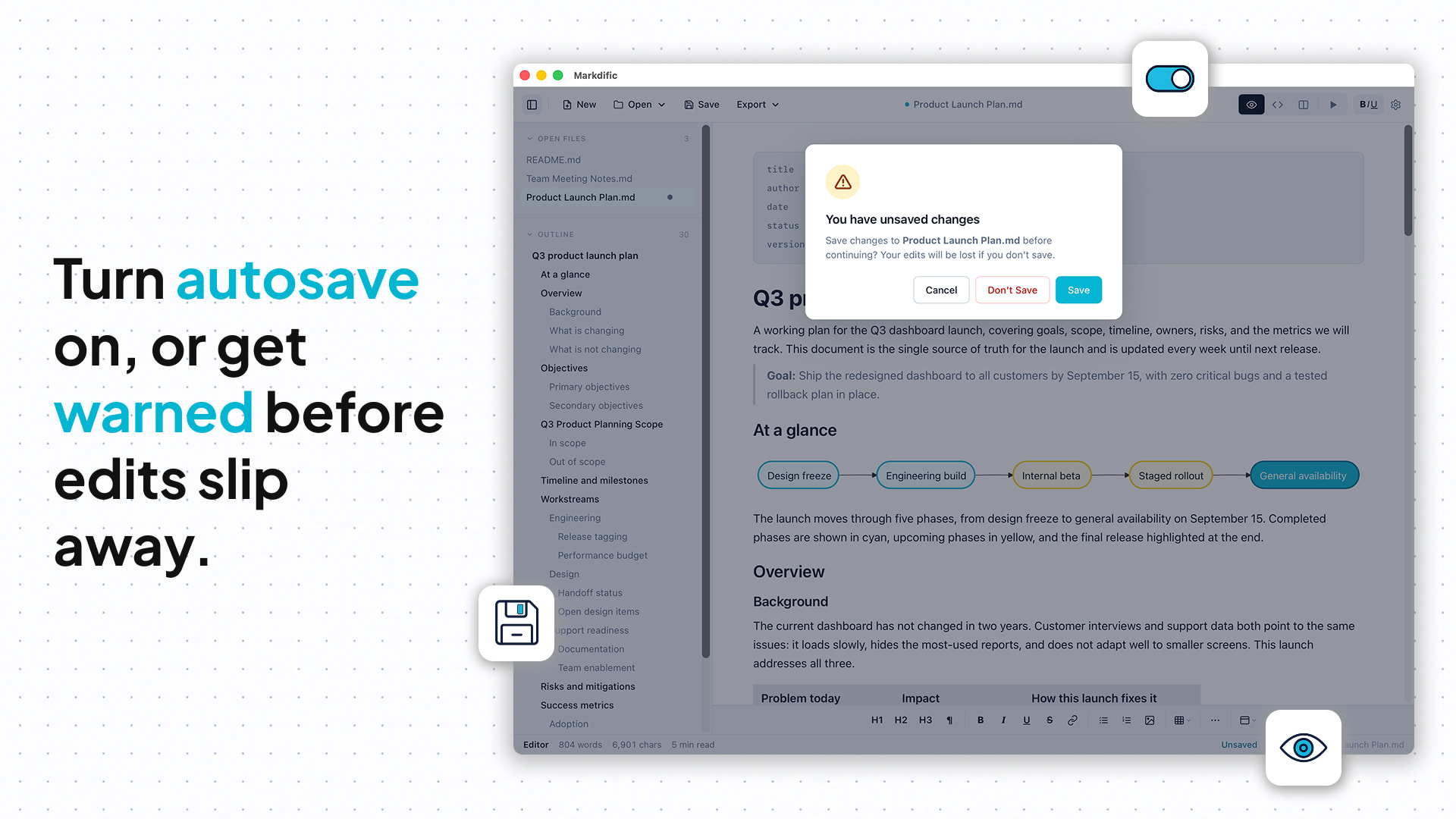
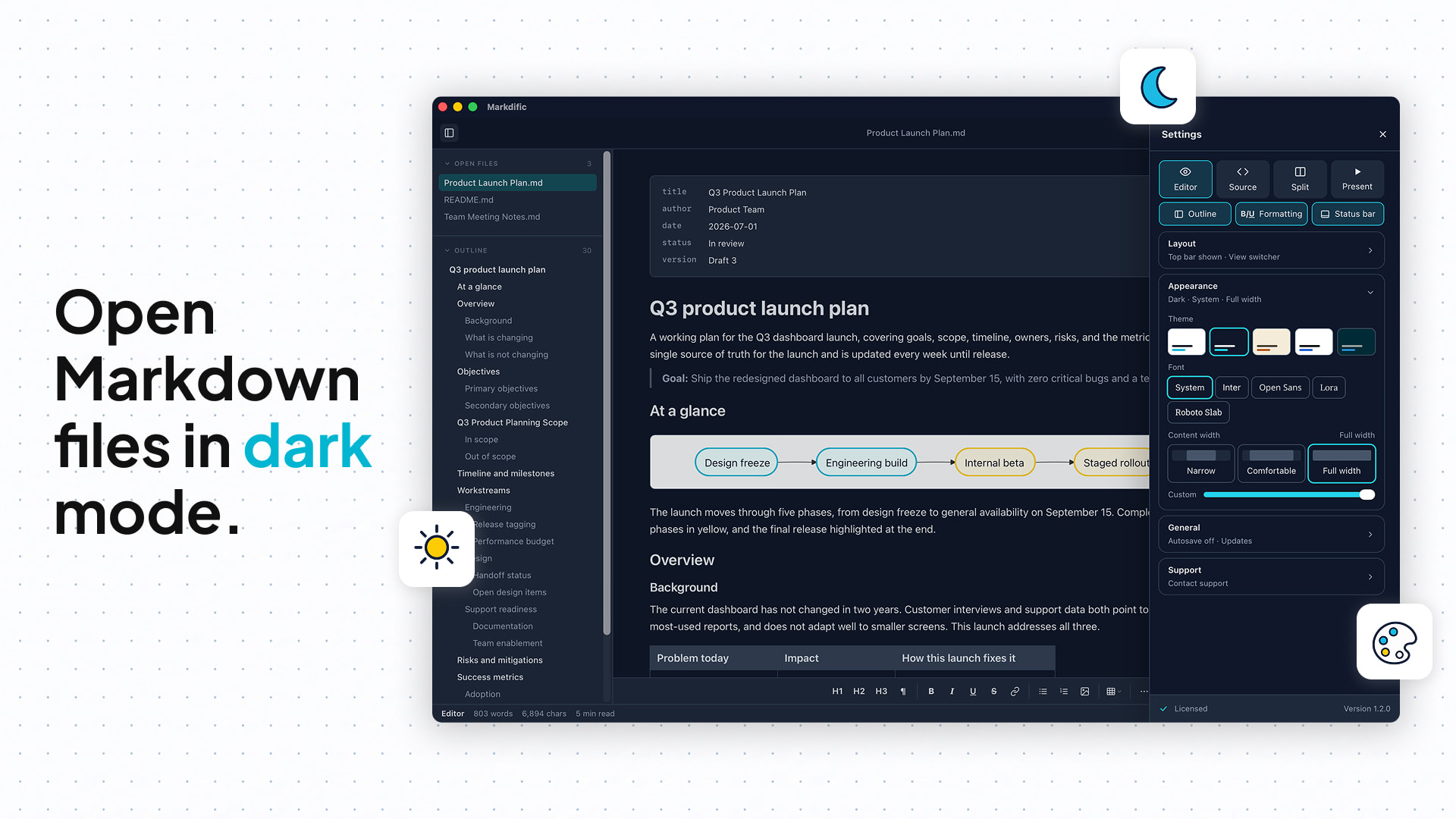
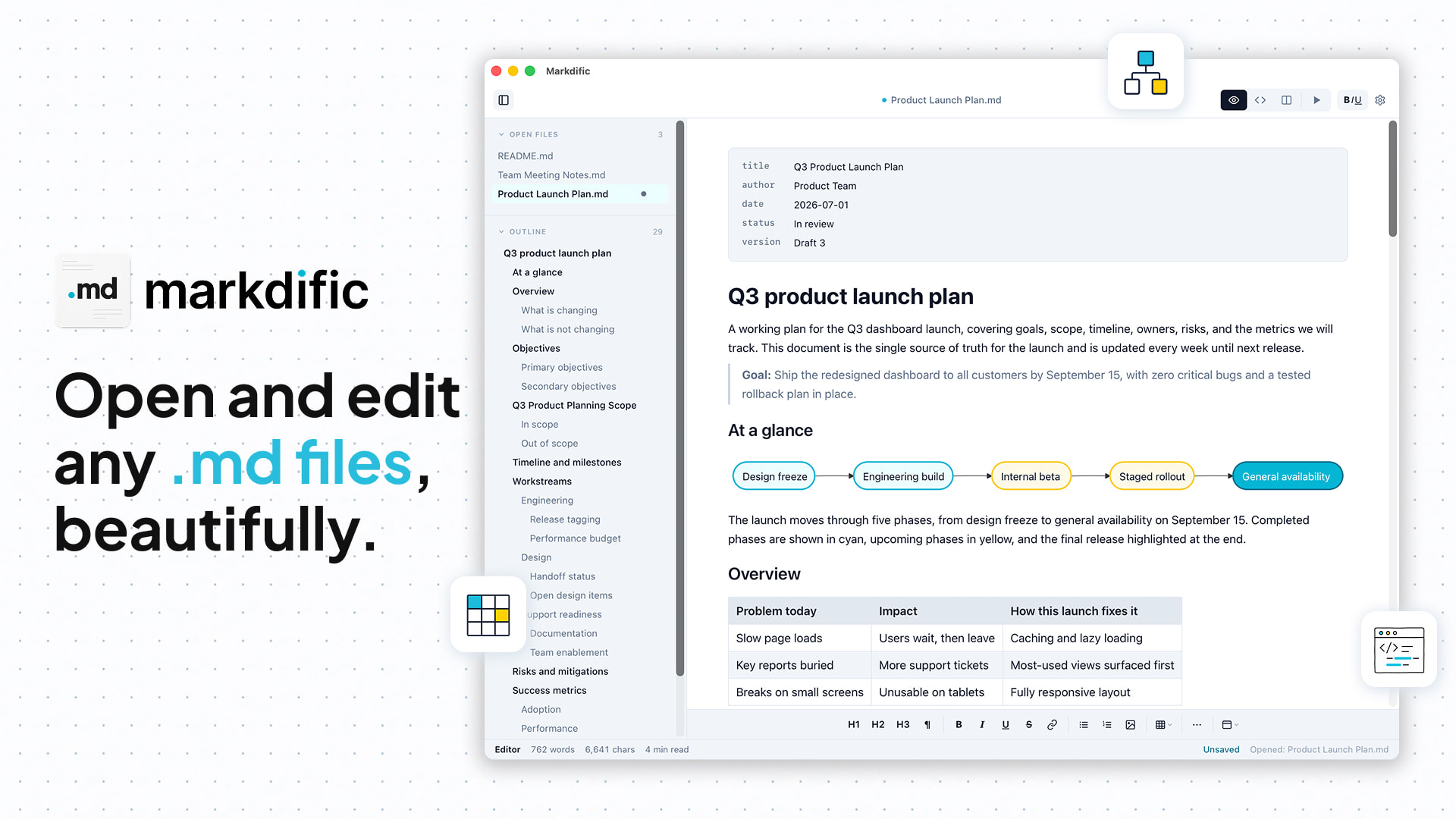
So I decided to build Markdific, a Markdown viewer and editor for Mac, Windows and Linux. It opens local .md files as formatted documents and includes WYSIWYG editing, Markdown source view, a live split preview, multiple files in tabs, outline navigation and autosave. Documents can also be exported to PDF, Word or HTML.
Markdific is a freemium app. Opening and reading Markdown files remains free, while editing, export and other Premium features can be tried for 14 days and unlocked with a one-time purchase. I chose this model because I hope the revenue will support continued development and allow me to keep improving the app. There are still many features I would like to add, and one of my longer-term goals is to explore versions for iOS and Android.
If anyone here is interested in trying Markdific, I’d really appreciate feedback, particularly on Markdown rendering, unexpected CommonMark or GFM behaviour, the UI and UX, edge cases I may have missed, or features that would make it more useful. If you need more time to test the app after the 14-day trial, please contact us and we can send you an extended-testing licence code. Feedback is also very welcome in this thread.